MiniRemote
Your Mac. From anywhere.
The remote desktop for Mac, iPhone and iPad. Retina-sharp, no account, and ready for your AI agent.
Free on your home network · macOS 14 or later · iPhone & iPad app
60 fps
Smooth scrolling, video and moving windows.
2×
Retina pixels on Retina screens, at your window's exact size.
0
Accounts to create. A Host ID and a password are all it takes.
Free
On your home network, with as many viewers as you like.
Remote access from anywherePro
Home, office, airport. Same Mac.
Open MiniRemote and your Mac is right there, without port forwarding, a VPN or router settings.
San Francisco
Coworking space · Office Wi-Fi
- San Francisco
- New York
- São Paulo
- Cape Town
- Dubai
- Tokyo
- Sydney
Direct when it can be
Your devices connect straight to each other for the fastest picture.
Relayed when it can't
Networks that block direct connections go through our encrypted relay.
From every device
Reach the same Mac from a Mac, an iPhone or an iPad.
AI agentsPro
Hand your Mac to your AI.
Ask Claude Code, Codex, Gemini CLI, Cursor or LM Studio to get something done. It sees the screen, clicks, types and reports back, on a screen of its own, so it never takes over yours.
A screen made for AI. MiniRemote gives your agent a virtual screen of its own.
Plain words, real clicks. No scripts to write. Ask the way you'd ask a colleague.
Locked like everything else. Every agent session uses your Mac's Host ID, password and encryption.
iPhone & iPad
Your Mac, in your pocket.
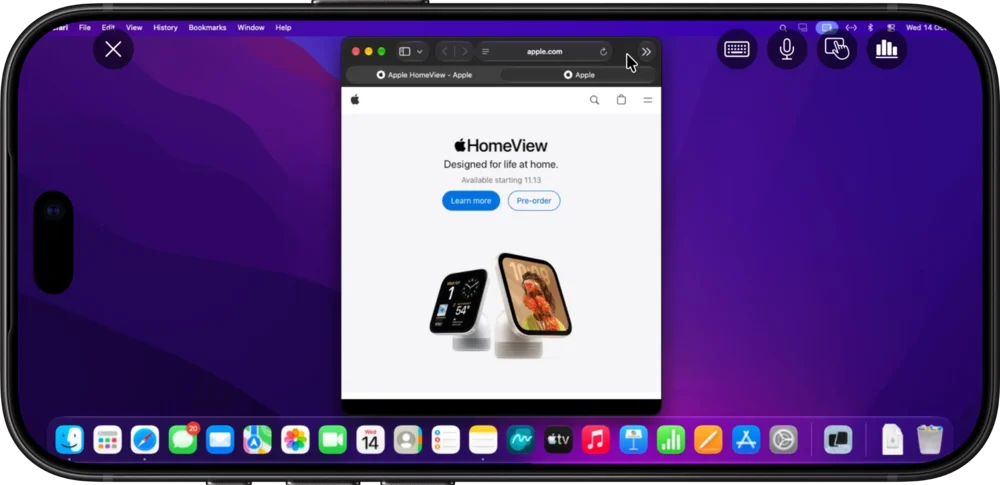
The free viewer puts your whole Mac desktop on iPhone and iPad. Tap it like a touchscreen, or glide the pointer like a trackpad.
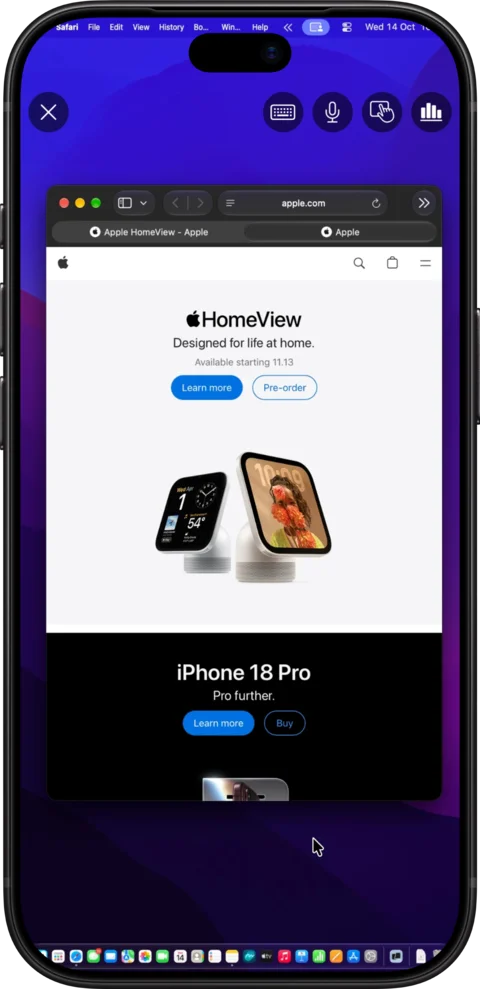
Keyboard on cue
Tap a text field on the Mac and the keyboard pops up.
Touch or trackpad
Tap where you want to click, or glide the pointer.
Pinch to zoom
Get close to small text with two fingers.
Made for iPad
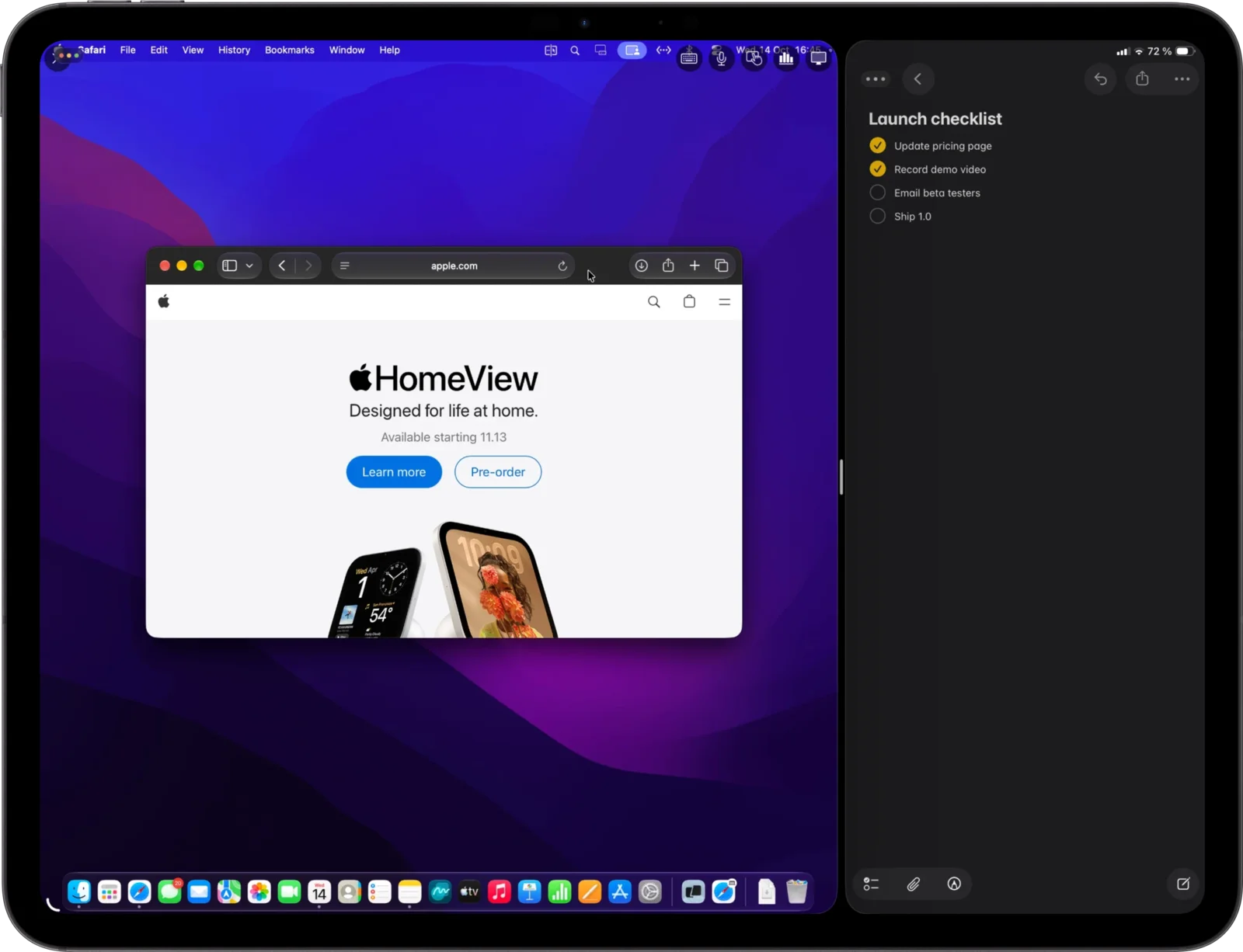
Magic Keyboard, mouse, Split View and Stage Manager.
Dynamic Display
Shaped to every screen you own.
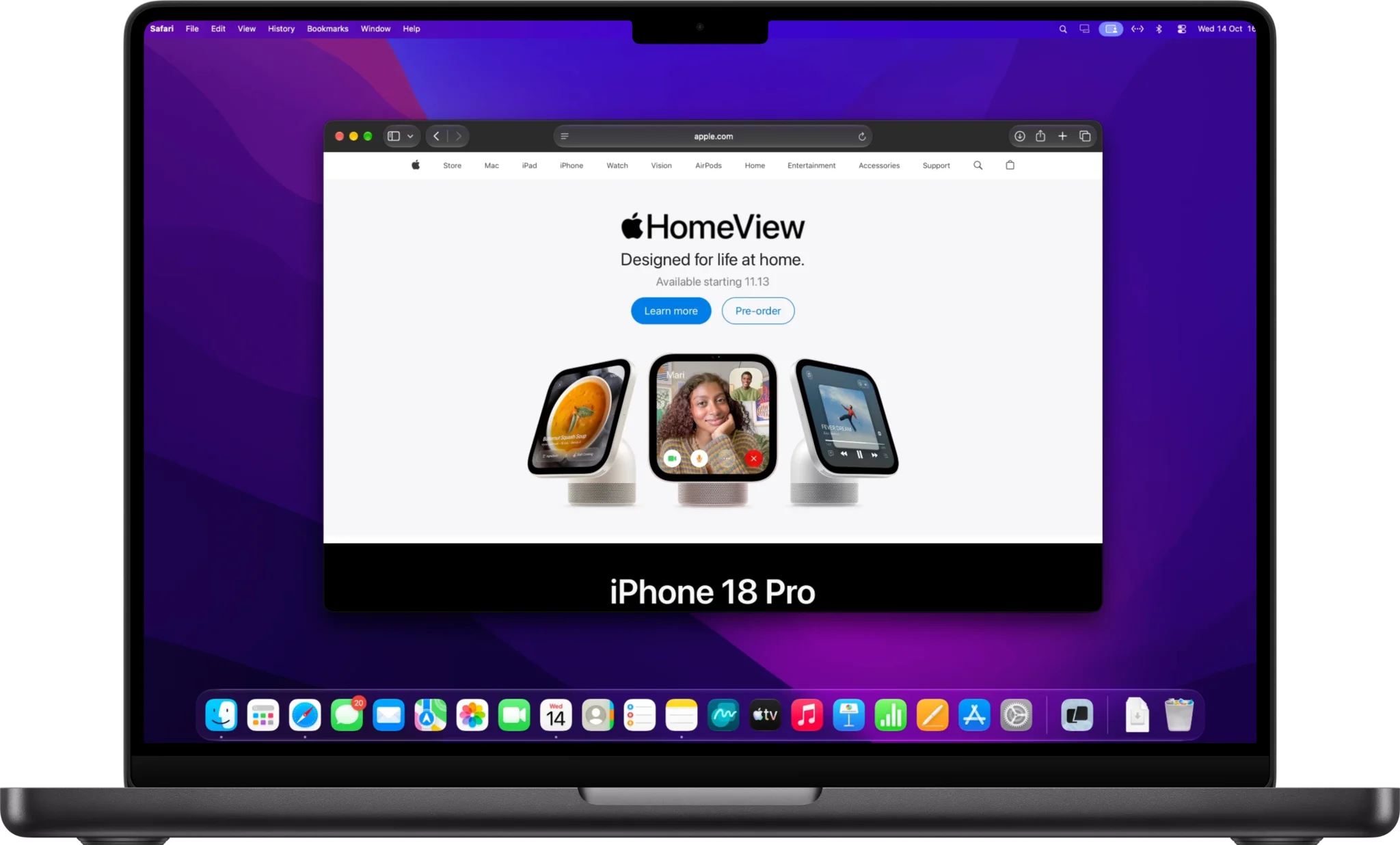
MacBook, iPad or iPhone: the remote desktop takes the shape of the screen in front of you. No black bars, no stretched pixels.
Fits your MacBook, Retina-sharp, no black bars
Retina quality
Text you can actually read.
MiniRemote streams at the exact size of your window instead of scaling a fixed picture, so code, spreadsheets and small print stay crisp.
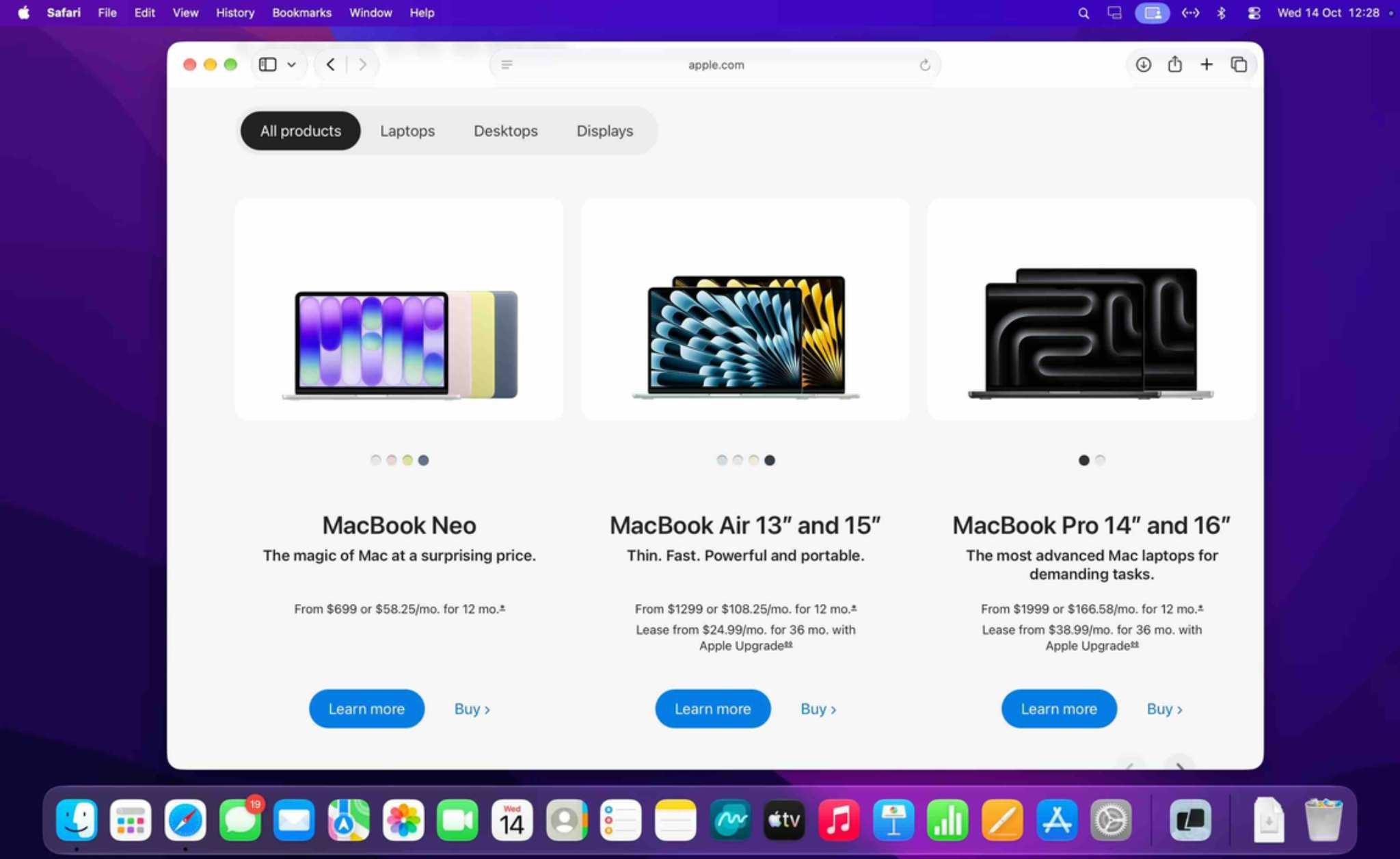
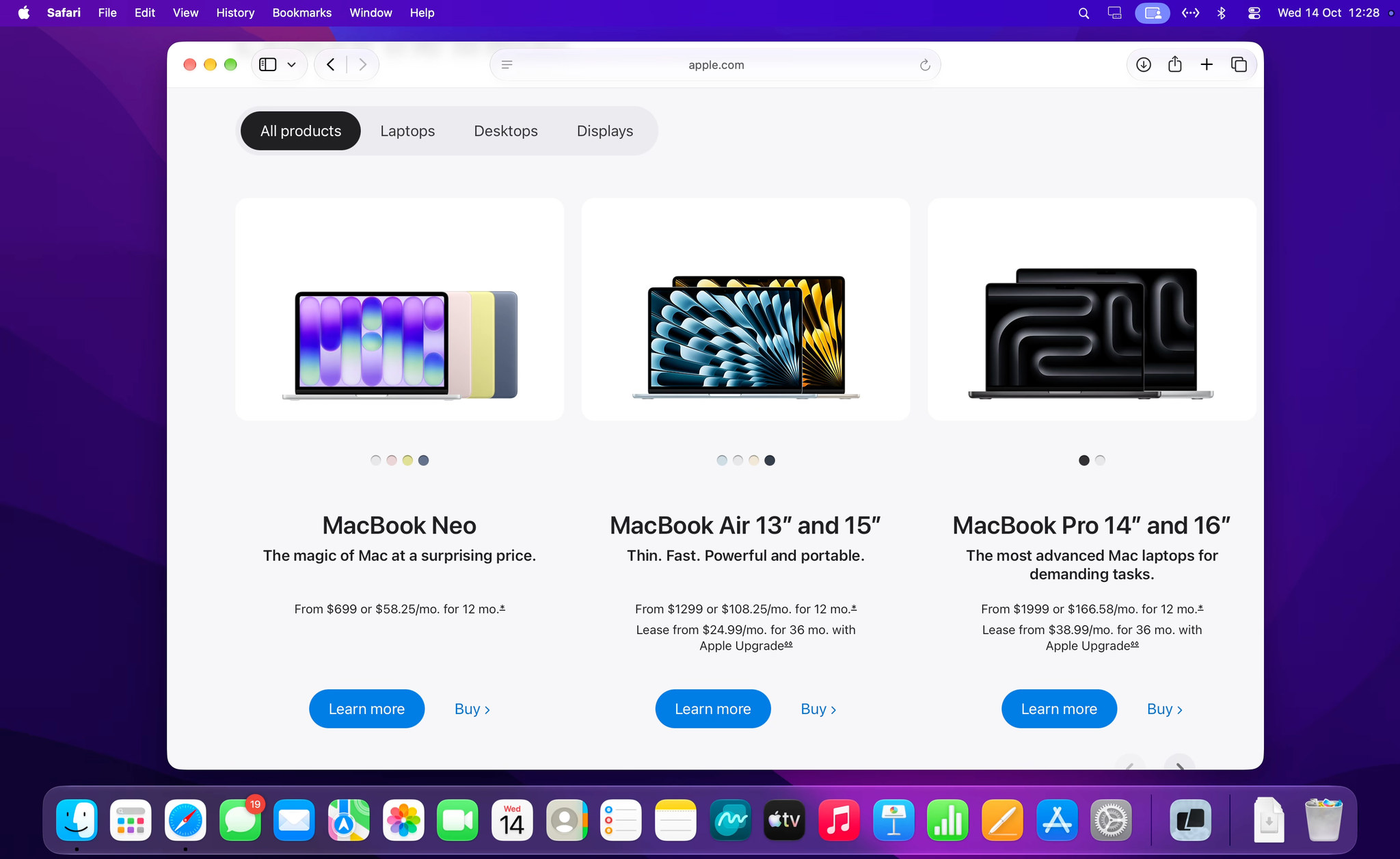
Drag the divider, or use the arrow keys.
60 fps
Smooth scrolling, video and moving windows.
1:1
Streams at your window's exact size.
Adaptive
Keeps the picture flowing on slower networks.
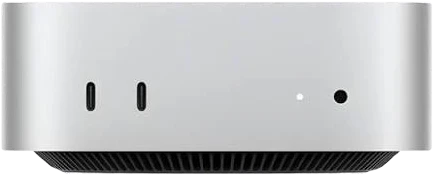
Headless Mac mini
No monitor. No dummy plug. No problem.
Tuck your Mac mini in a closet, under the TV or in a rack. When you connect, MiniRemote gives it a Retina screen of its own, sized to your window.
Virtual display · RetinaEveryday details
The little things. Done right.
 9:41
Remote devices
Lives in Your Menu Bar. Always One Click Away.
Private and secure
A Host ID and a password. That's it.
No email, no sign-up, no profile to manage. Three steps and you're on your Mac.
- Step 1
Open MiniRemote on the Mac you want to reach.
Its menu shows the Mac's Host ID and password.
- ID
- 482 915 307
- Password
- 451 236
- Step 2
Type them on your other Mac, iPhone or iPad.
Just once. MiniRemote remembers the Mac for next time.
- Step 3
You're in. Encrypted.
Every connection is encrypted, direct or through our relay, and repeated wrong passwords are locked out.
Connected to Mac mini
Pricing
One price per Mac. Viewers are always free.
Start free on your own network. Go Pro to reach your Macs from anywhere, by the year, by the month, or once for life.
Free
$0
For Macs on your own network.
- Unlimited viewers (Mac, iPhone, iPad)
- Connections from the same network
- Full remote control, sound and clipboard
Pro
Most popular$39.99/ year
Reach your Macs from anywhere. Or $4.99 a month.
- One key for up to 3 Macs
- Unlimited viewers
- Connections from anywhere (direct or relayed)
- AI agents via MCP
- Everything in Free
Lifetime
$119one-time
Pro forever, no subscription.
- Everything in Pro
- One key for up to 3 Macs
- Pay once, keep it
Prices in USD; tax is added at checkout. Your license key arrives by email: enter it in MiniRemote's Settings on the Mac you control.
Questions? Answers.
Yes. Install the free MiniRemote viewer on your iPhone or iPad, add your Mac with its Host ID and password, and tap to connect. Use touch or trackpad mode, and the keyboard pops up when you tap a text field on the Mac.
Yes, on your own network: control your Mac from any number of Macs, iPhones and iPads at no cost. Pro adds connections from anywhere and AI agents, on up to 3 Macs per key. The viewer apps are always free.
Yes. MiniRemote never asks for an email or a sign-up. Each Mac has a Host ID and a password, and that is all you need to connect.
No. When you connect, MiniRemote gives the Mac mini its own screen, sized to your window and Retina-sharp, so you don't need a monitor or a dummy plug.
Yes, with Pro. MiniRemote includes an MCP server that Claude Code, Codex, Gemini CLI, Cursor, LM Studio and other MCP clients can use to see the screen, click, type and open apps. The agent gets its own screen, so it doesn't take over yours.
Yes. Pick a window from the display menu and MiniRemote shows only that window, with its menus and sheets, on your Mac, iPhone or iPad. The Apps button opens any app on the remote Mac, or brings it to the front. Both work on every plan.
Every connection is encrypted and protected by the Mac's password, and repeated wrong passwords are locked out. Your devices connect directly whenever possible; when they can't, the encrypted traffic passes through our relay.
Yes. MiniRemote works over 5G, 4G and hotspots, and the iPhone and iPad app lets you limit video data to save your plan.
Yes. Copy text, an image, a file or a folder on one Mac and paste it on the other. Files up to 60 MB travel through the shared clipboard, in both directions.
The Mac you control needs macOS 14 Sonoma or later. You can connect from a Mac with macOS 14 or later, or from an iPhone or iPad with iOS 17 or later.
Your Mac is one click away.
Download MiniRemote free, open it from the menu bar, and reach your Mac from your MacBook, iPhone or iPad in minutes.