MiniRemote Beta
Your Mac. Anywhere.
Try what we’re building for Mac, iPhone and iPad. Help make the next MiniRemote feel right.
Join the betaEarly builds. Real feedback. A better remote desktop.
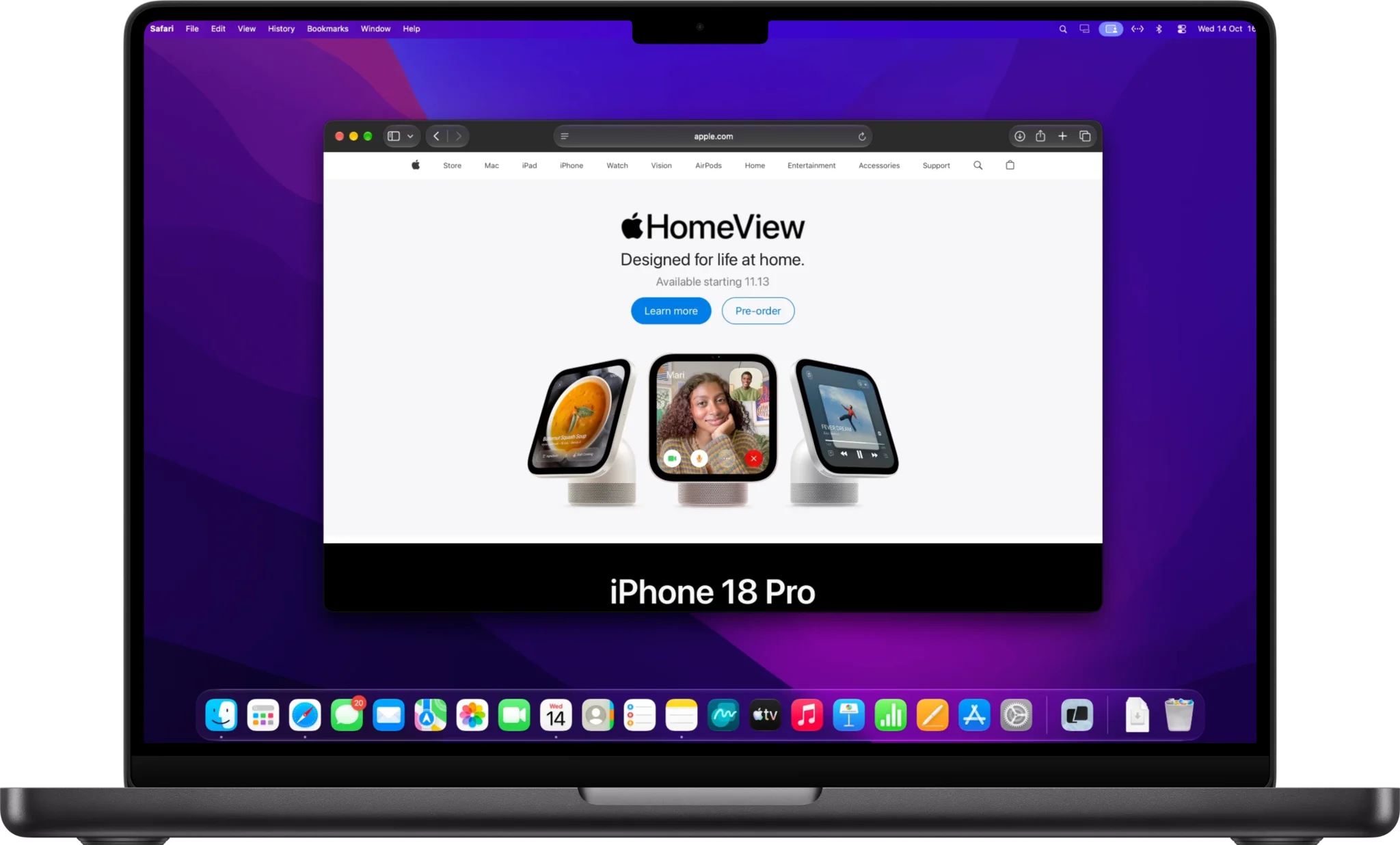
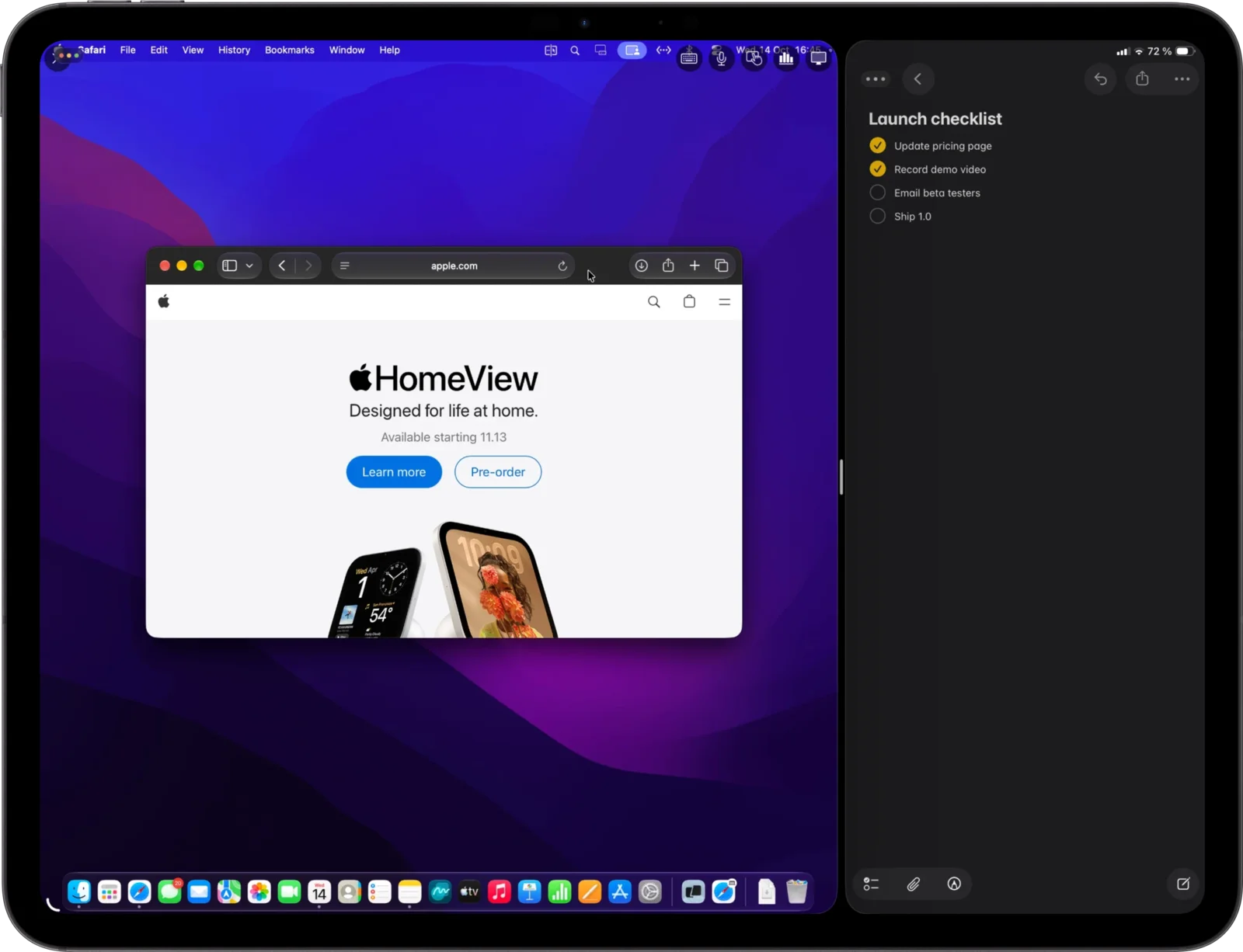
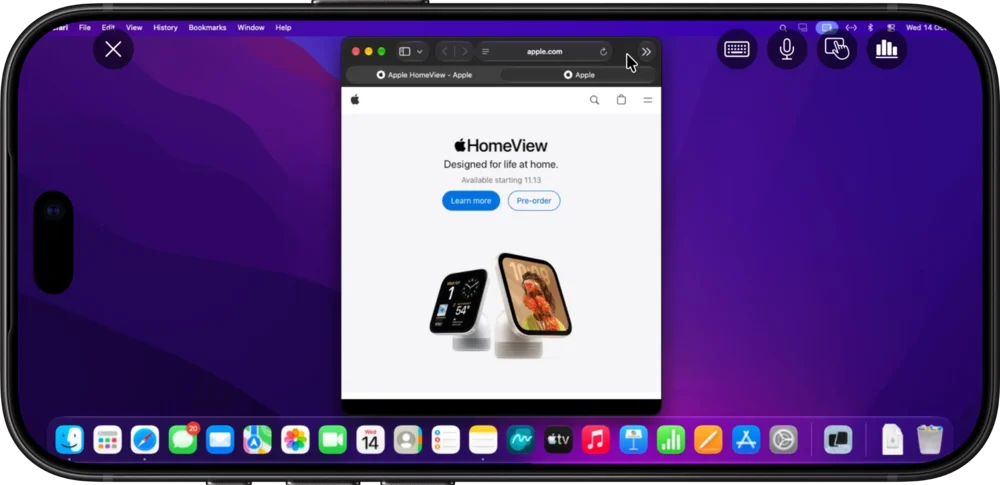
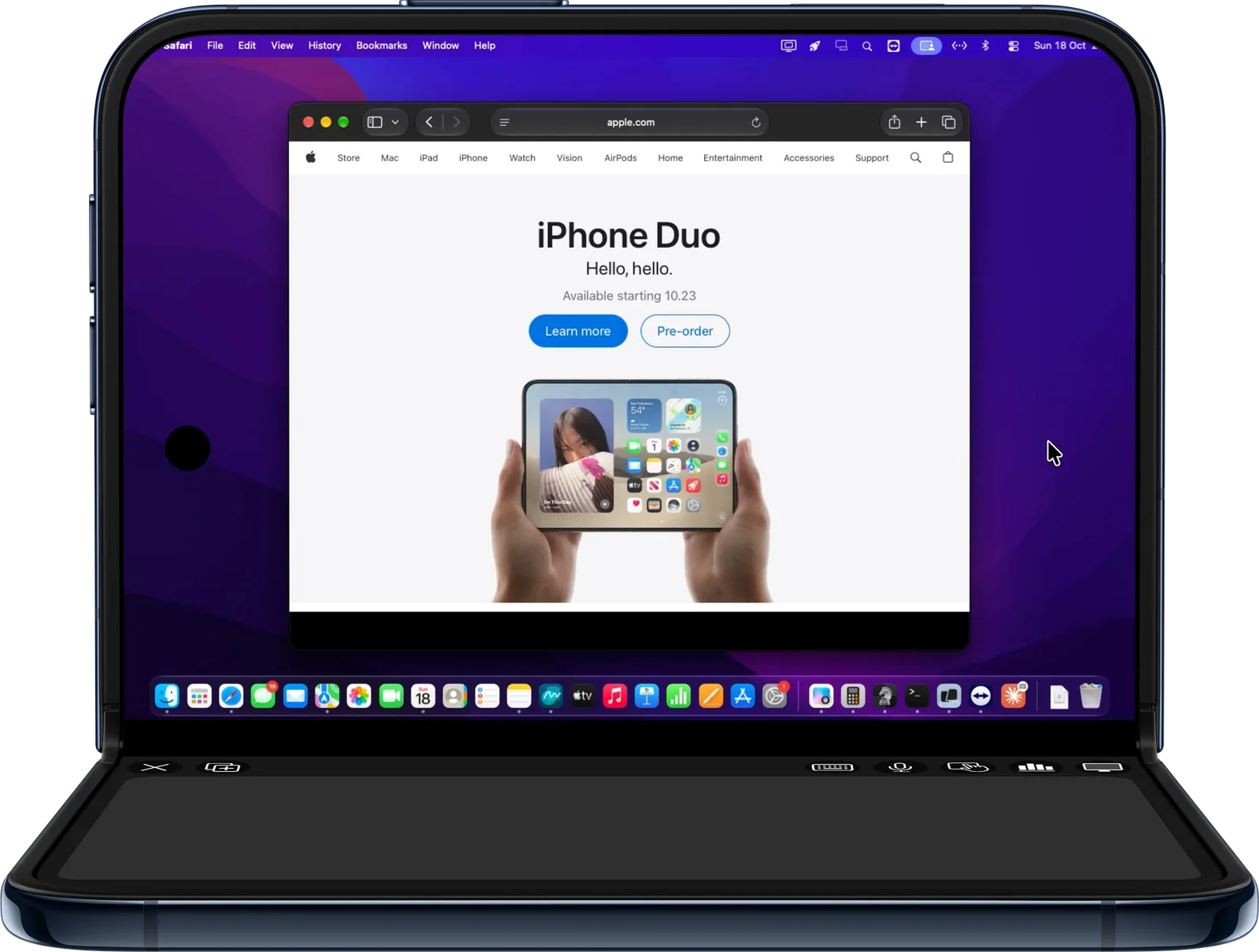
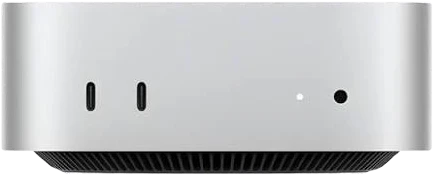
A little earlier. A little closer.
Help shape your next connection.
Use MiniRemote where it matters to you: on the sofa, at your desk, or away from home. Tell us what works and what needs another pass.
Beta builds are a work in progress. You may run into bugs or features that change along the way.
iPhone & iPad beta
Your next connection is ready to test. Open the invitation on your iPhone or iPad to get started.
Join on TestFlightInstalled TestFlight already? The invitation opens there.
Five steps. About ten minutes.
How to test the beta.
Step 1
Install the beta viewer.
On your iPhone or iPad, install Apple’s TestFlight app, then open the MiniRemote invitation and tap Install.
Step 2
Install the Beta host on your Mac.
Download the Beta host, open the DMG and drag MiniRemote to Applications, replacing any older copy. Open it and allow Screen Recording and Accessibility when macOS asks. New beta builds then arrive by themselves.
Download Beta host for MacmacOS 14 or later · Signed and notarized by Apple
Step 3
Connect.
Open MiniRemote on your iPhone or iPad. On the same network, your Mac appears by itself; you can also add it with its Host ID and password, both shown in the Mac’s MiniRemote menu. Connecting from anywhere needs Pro.
Step 4
Get 50% off Lifetime.
As a thank-you, the Beta host shows a code for 50% off MiniRemote Lifetime in its welcome window and in Settings → License. Use it at checkout whenever you like.
Step 5
Tell us how it feels.
Use it in your everyday workflow. Send bugs, rough edges and ideas with Send Beta Feedback in TestFlight or by email.
Before you jump in.
A Mac running macOS 14 or later, and an iPhone or iPad running iOS 17 or iPadOS 17 or later. The beta viewer is distributed through Apple’s TestFlight app. Individual builds may have additional requirements in their TestFlight notes.
Use the Join on TestFlight button above on your iPhone or iPad. If the beta is full or temporarily unavailable, email support@miniremote.app to ask about access.
Yes: 50% off MiniRemote Lifetime. The code is in the Beta host, in its welcome window and in Settings → License. Enter it at checkout. Any existing paid license continues as usual.
Use Send Beta Feedback in TestFlight, or email support@miniremote.app. Include what happened, what you expected, your devices and the build number. Screenshots help; remove any private information before sending.
The regular release is available from the MiniRemote homepage. A TestFlight build can replace the installed App Store version, so keep any connection details you need before switching.
Something else? Get in touch.